POS Cash Drawer: How to Choose the Right Size & Trigger
A cash drawer is the part of the checkout your staff touch on every cash sale. Compare size, bill and coin layout, RJ11 trigger, and lock — then match the drawer to your terminal and printer.
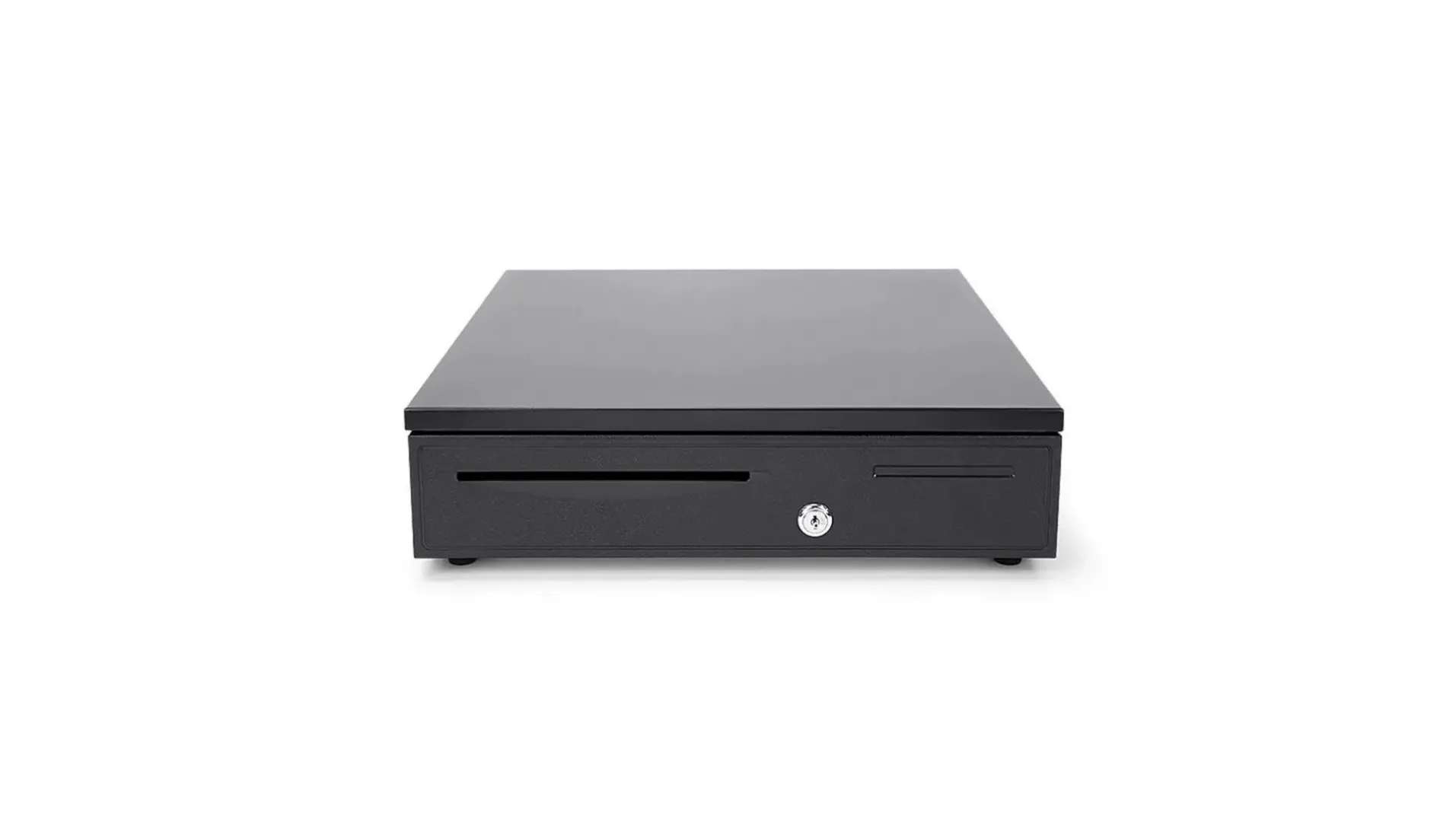
A POS cash drawer is the metal box under your checkout counter that holds cash and opens when a sale is completed. Choose it by size, bill and coin layout, trigger type, and lock — and confirm it works with your receipt printer before you order.
The cash drawer is the least glamorous part of a checkout, and the one your staff touch on every cash sale. A drawer that is too small means coins piled on top of each other; a drawer that does not open with the printer means a manual key turn on every transaction; a drawer that does not fit the counter means a rebuild of the checkout point. None of these problems shows up in a product photograph. This guide explains the four decisions that decide whether a drawer fits your counter, your cash handling, and your printer — using the four cash drawers in the GHI range as the worked example.
What Is a POS Cash Drawer?
A POS cash drawer is a lockable metal box that sits under or beside a POS terminal and holds banknotes and coins at the checkout. It has two jobs: keep cash organised so staff can make change quickly, and keep cash secure when the till is unattended. The drawer itself does not count money or run software. It opens in one of two ways: an electronic signal from the receipt printer, which fires when a sale is completed, or a manual key turn by the cashier.
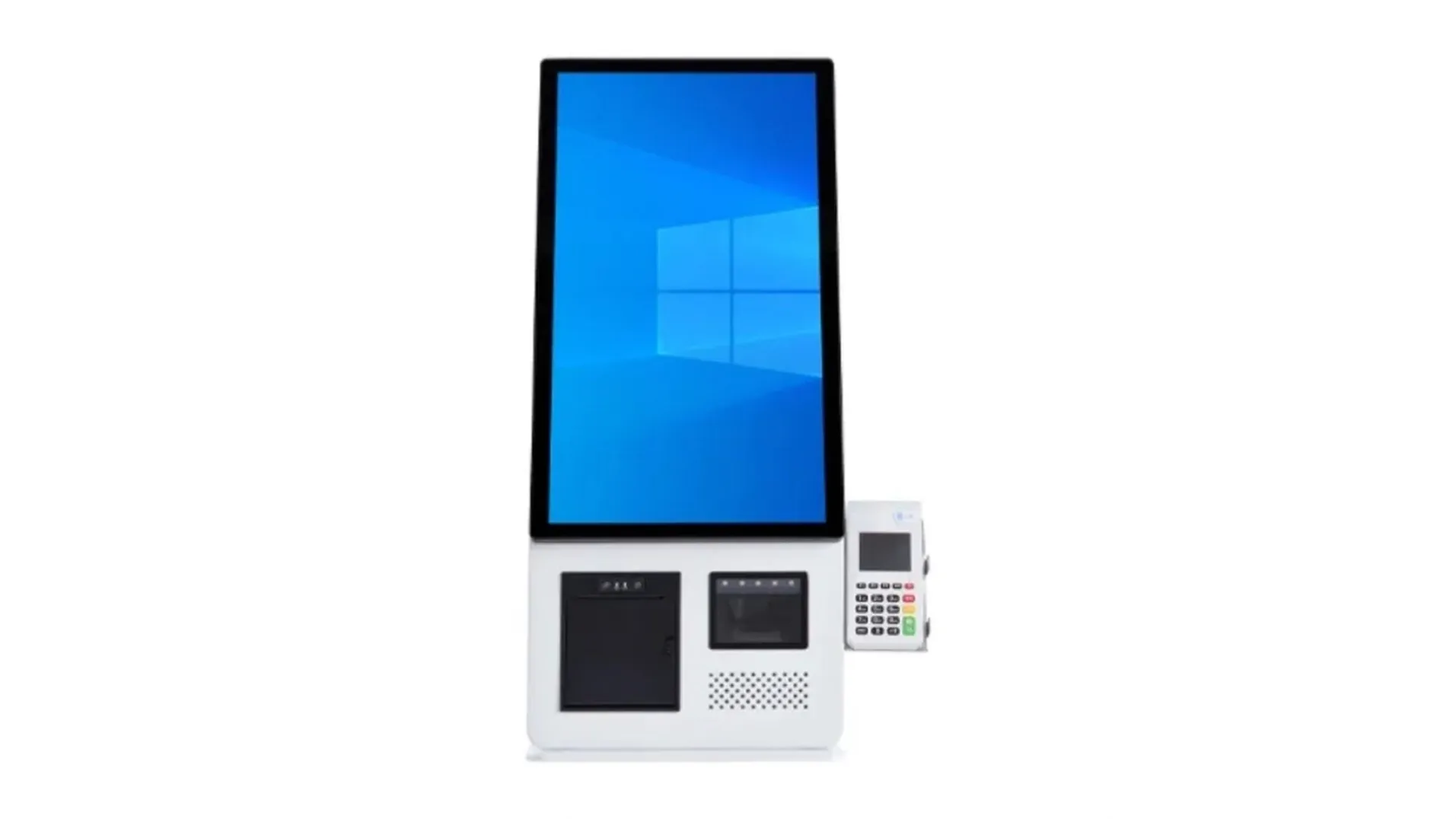
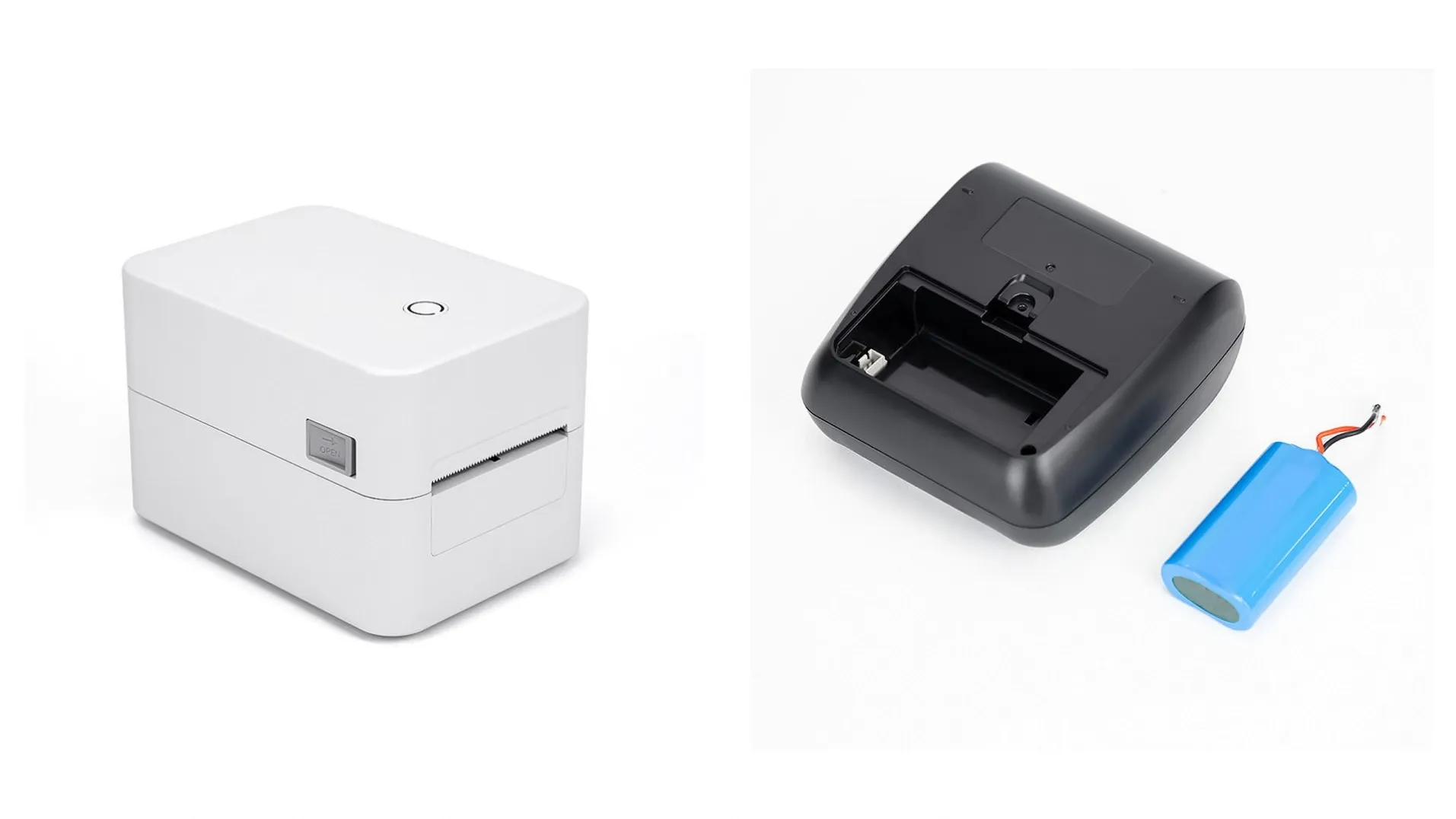
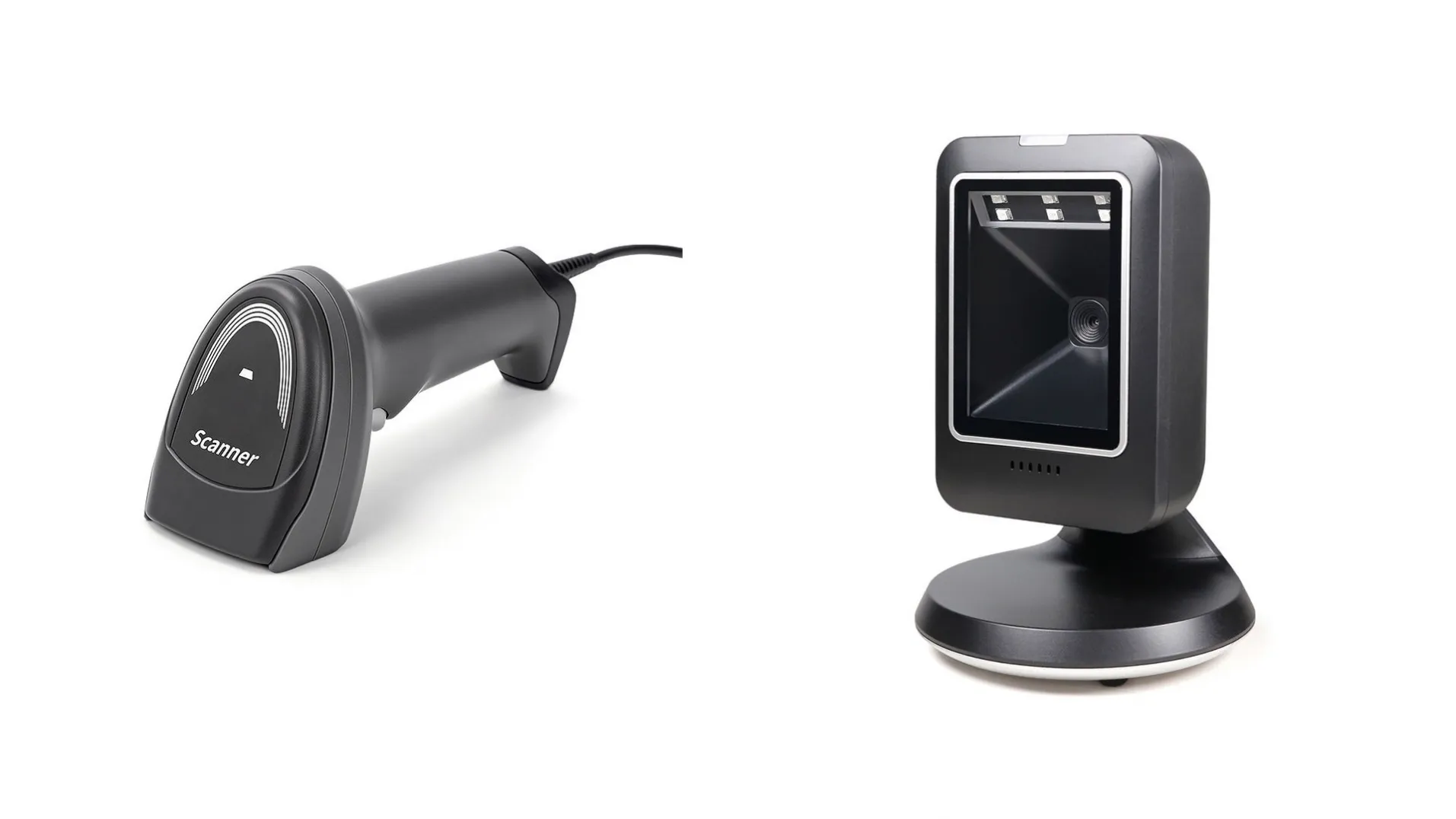
A drawer is bought as part of a checkout set, not on its own. The set is usually a POS terminal, a receipt printer, a barcode scanner, and a cash drawer — and the drawer is the component most often chosen last, when the counter space left over decides the size. That order is backwards. The drawer determines how cash is handled for the life of the till, so its size and layout should be decided when the counter is planned, not after the terminal and printer are already in place.
GHI builds cash drawers as one of its core POS hardware lines, alongside all-in-one POS terminals, thermal printers, barcode scanners, and self-service kiosks. The range covers four models, from a compact drawer for a small counter to a heavy-duty drawer with eight coin compartments for a busy till.
Size and Counter Fit: Measure the Counter First
Size is the first decision, because a drawer that does not fit the counter cannot be fixed by changing a setting. Measure three things before you order: the width of the space under the counter, the depth from the front edge to the back wall, and the height available between the countertop and the shelf below. The drawer must slide fully open without hitting a chair, a wall, or the cashier's knees.
Compact drawers suit small counters — a market stall, a cafe counter, a pop-up shop — where the till shares the counter with a terminal, a printer, and a card reader. The GHI 335D compact cash drawer is the small-footprint model in the range: its title describes it as a small, metal cash register drawer, so it fits counters where a full-size drawer would crowd out the terminal.
Full-size drawers suit a fixed checkout with a dedicated till position. The GHI 405B Plus heavy-duty cash drawer is the large model in the range, with five bill compartments and eight coin compartments, and its title describes it as heavy-duty — the model for a till that opens hundreds of times a day. Between the two, the GHI 405B and the GHI 405D cover the standard checkout: five bill compartments each, with five and six coin compartments respectively.
Ask the supplier for the exact outer dimensions and the weight of the model you choose, and compare them with your counter measurements before you order. This guide does not publish dimensions for any model, because the verified product records do not state them — and a dimension guessed from a photograph is worse than no dimension at all.
Bill and Coin Layout: Match the Tray to Your Cash
The tray layout decides how fast change is made. A cashier who has to hunt for the right coin slows the queue; a tray with too few compartments forces coins to share a slot and invites miscounts. Count your denominations first: how many bill values and how many coin values does your till actually handle in a day? Then choose a tray with at least that many compartments.
| Model | Bill compartments | Coin compartments | Trigger stated in product title | Other features stated in product title |
|---|---|---|---|---|
| 405B Plus | 5 | 8 | Not stated | Heavy-duty |
| 405B | 5 | 5 | RJ11 | Key lock |
| 335D | Not stated | Not stated | RJ11 | Compact, metal |
| 405D | 5 | 6 | Not stated | Removable coin tray |
Three points follow from the table. First, the 405B Plus has the most coin compartments — eight — which suits a till that handles many coin denominations, such as a supermarket or a market stall that takes small cash payments all day. Second, the 405D's removable coin tray suits a till that is counted and closed at the end of the shift: the tray lifts out, so the cashier carries the tray to the back office instead of counting cash at the counter. Third, the 335D's bill and coin counts are not stated in its product title, so confirm them with the supplier before you order it for a till with a known denomination mix — do not assume a compact drawer has the same layout as a full-size one.
One more check: ask whether the bill compartments have spring-loaded bill holders or plain dividers, and whether the coin tray is fixed or removable on the model you choose. Both affect how the drawer behaves in daily use, and neither is stated in the verified product records for these four models.
Trigger: How the Drawer Opens
A cash drawer opens in two ways, and the trigger decides which one your till uses. An electronic trigger opens the drawer automatically when the receipt printer sends the open signal at the end of a sale. A manual key opens it when the cashier turns the key — the fallback when the printer is off, the till is closed, or the power is out.
The standard electronic connection is an RJ11 cable from the printer's cash drawer port to the drawer. Two models in the GHI range state RJ11 in their product titles: the 405B, described as a POS cash register drawer with RJ11 and key lock, and the 335D, described as a small RJ11 trigger metal cash register drawer. If your receipt printer has a cash drawer port — most 80mm thermal printers do — an RJ11 drawer connects with a single cable and opens on every completed sale.
For the 405B Plus and the 405D, the product titles do not state the trigger type, so confirm it with the supplier before you order: ask whether the drawer connects by RJ11 to the printer, and which printer models it has been tested with. Also confirm the manual opening: every drawer should open with its key when the printer is off, and the key should be a standard till key that a manager holds, not a key the cashier keeps.
For more on the printer side of the set, see our guide 80mm Thermal Printer: How to Choose a Receipt Printer, and for the scanner that usually sits beside the drawer, see 2D Barcode Scanner: How to Choose the Right QR Reader.
Lock and Security: Who Can Open the Till
The lock decides who can open the drawer and when. A key lock is the standard: the drawer stays locked while the till is unattended, and only the key holder opens it. The 405B states a key lock in its product title. For the other three models, the lock type is not stated in the verified product records, so ask the supplier what lock each model carries and how many keys are supplied.
Three security checks belong on every order. First, how many keys come with the drawer, and can spare keys be ordered — a till with one key stops trading when that key is lost. Second, does the drawer lock in the closed position only, or can it also be locked open for counting — the second mode matters at shift change. Third, is the drawer built to resist a forced opening from the front, or does it rely on the counter enclosure for protection — a heavy-duty drawer and a compact drawer answer that question differently, and the answer decides whether the drawer can sit on an open counter or needs to be recessed.
Cash handling procedure matters as much as the lock. A drawer with a removable coin tray, like the 405D, supports a clean end-of-shift routine: the tray lifts out, the cash is counted away from the counter, and the empty drawer locks shut. A fixed tray forces the count to happen at the till, in front of customers.
Build and Daily Use: What a Drawer Must Survive
A cash drawer opens and closes hundreds of times a day, so its build decides its life. The 335D is described as a metal cash register drawer, and the 405B Plus is described as heavy-duty — both point to a metal body rather than a plastic one. Metal matters because the drawer slides on rails, the front panel takes the force of every close, and a plastic body cracks where a metal body dents.
Ask the supplier four build questions before you order, because none of the answers is in the verified product records. First, what is the drawer body made of, and what is the tray made of — metal trays last longer than plastic trays under daily coin handling. Second, what type of slide does the drawer run on, and is it rated for the weight of a full tray — a drawer that sags when full will not close cleanly. Third, how many open and close cycles is the drawer rated for, if the supplier publishes a figure — and if no figure is published, treat the rating as unconfirmed rather than assuming one. Fourth, what is the finish, and does it match the counter — a drawer that looks like an afterthought undermines a checkout that was designed to look professional.
Daily use also means cleaning. Coins shed metal dust, notes shed paper fibres, and a drawer that cannot be wiped out will jam. A removable tray makes cleaning straightforward; a fixed tray needs the whole drawer pulled out. Check the tray removal on the 405D if your till handles a lot of coinage.
Compatibility Checklist: Terminal, Printer, Scanner
A drawer never works alone. Run this checklist against your existing checkout set before you order, and confirm each line with the supplier:
- Printer. Does your receipt printer have a cash drawer port, and does it use an RJ11 connector? If it does, an RJ11 drawer such as the 405B or the 335D connects directly. If it does not, ask the supplier how the drawer is triggered.
- Terminal. Does your POS terminal's software send the open-drawer command to the printer at the end of a sale? The drawer opens because the software tells the printer to open it — confirm the command is supported by your POS software, not just by the printer. Our all-in-one POS terminal guide explains how the terminal, printer, and drawer fit together as one checkout set.
- Counter. Does the drawer fit the space, and does it slide fully open? Measure the counter, not the photograph.
- Cash mix. Does the tray have enough bill and coin compartments for the denominations you handle? Use the comparison table in section 4 and count your denominations first.
- Keys and spares. How many keys are supplied, and can spares be ordered?
- Power. An RJ11-triggered drawer draws its opening power from the printer, not from a separate supply — confirm this with the supplier for the model you choose, and confirm what happens when the printer is off.
If the drawer is part of a larger rollout — a chain of shops, a supermarket, a restaurant group — order one drawer first and test it at a single till: the trigger, the tray layout, the key routine, and the counter fit. A drawer that passes a single-till test will pass a rollout; a drawer that fails it will fail everywhere at once.
Frequently Asked Questions
What size cash drawer do I need?
Measure the counter space first, then count your denominations. A compact drawer suits a small counter; a full-size drawer with five bill compartments suits a standard till; an eight-coin drawer suits a till with many coin values.
What is an RJ11 cash drawer?
An RJ11 cash drawer connects to the receipt printer with an RJ11 cable and opens when the printer sends the open signal at the end of a sale. The GHI 405B and 335D state RJ11 in their product titles.
Can I open the drawer without the printer?
Yes, with the key. Every drawer should open manually when the printer is off or the till is closed — confirm the key routine with the supplier for the model you choose.
What is a removable coin tray for?
It lifts out so the cashier can carry the coins to the back office for counting at the end of a shift, instead of counting at the counter. The GHI 405D has a removable coin tray.
Do I need a heavy-duty drawer?
It depends on how often the till opens. A heavy-duty drawer, such as the 405B Plus, suits a busy till that opens hundreds of times a day; a compact drawer suits a low-volume counter.
Will the drawer work with my POS terminal?
The drawer connects to the printer, and the printer connects to the terminal's software. Confirm that your POS software sends the open-drawer command and that your printer has a cash drawer port.
Choose Your Drawer
Start with the counter measurement and the denomination count, then match them to the four models: the compact 335D for a small counter, the 405B for a standard till with RJ11 trigger and key lock, the 405D for a till that counts cash off the counter, and the heavy-duty 405B Plus for a busy till with eight coin values. See all four in the product range, or contact us with your counter dimensions and cash mix and we will confirm the fit before you order. For a complete checkout set, see also our self-service kiosk guide.